20W GaN Fast Charger: Compatibility and Charging Guide
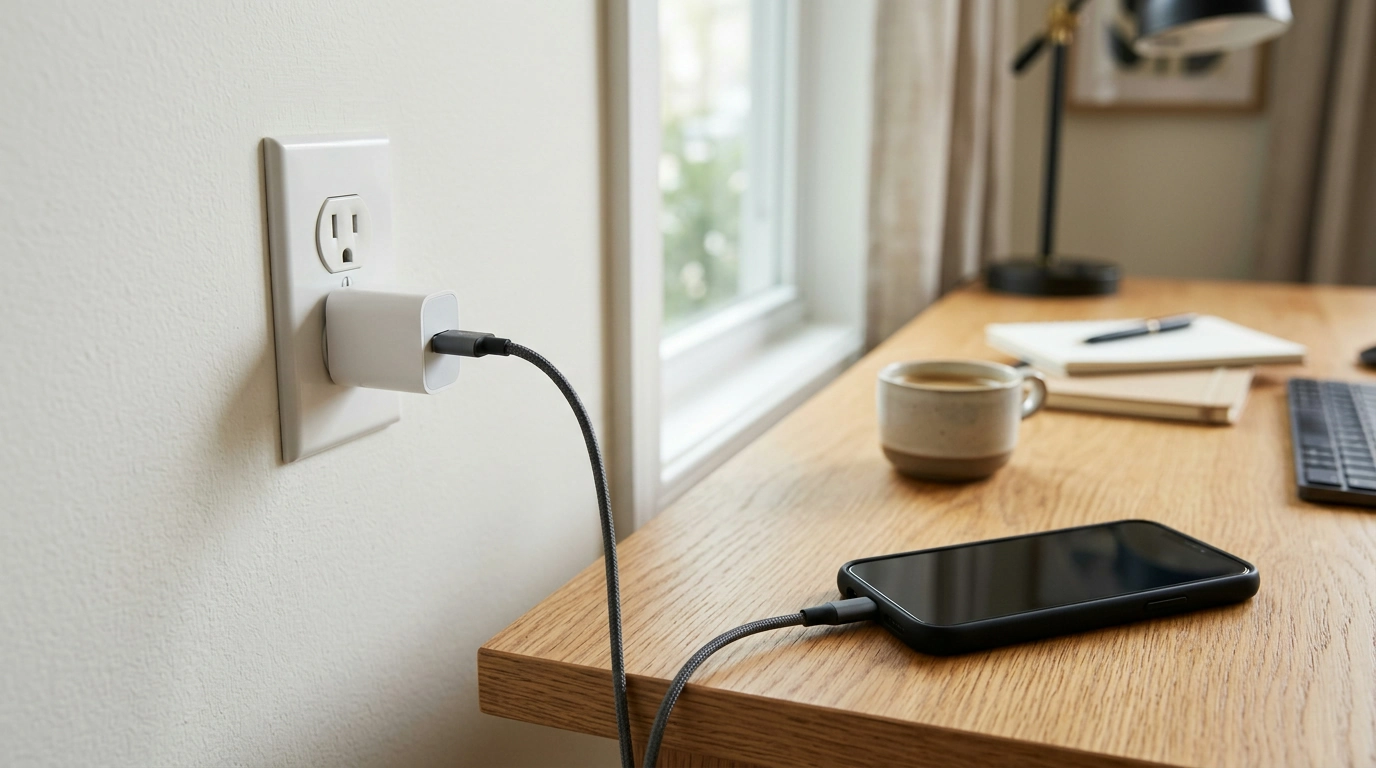
Everyday charging should be straightforward: connect a suitable cable, plug in your device, and get on with your day. Choosing a charger takes a little more attention, though, because the power rating alone doesn’t tell you whether a particular setup will deliver fast charging.
Our 20W GaN Fast Charger is an option for everyday use when its output and connector match your device and cable. Before you order, take a moment to check those details alongside your device’s charging requirements.
Meet the 20W GaN Fast Charger
Our 20W GaN Fast Charger is in stock and priced at $39.82. The “20W” refers to its rated power, not a guarantee that every connected device will receive 20 watts. Actual charging power depends on the device, the cable, and how the components communicate with one another.
That distinction matters whether you’re replacing a charger or putting together a second setup for your desk. A device may accept less power than the charger can provide, and charging power can change during a charging session. Visit the product page for current purchase details before ordering.
What GaN Means for a Charger
GaN stands for gallium nitride, a semiconductor material used in some power adapters. Semiconductors help control the flow of electricity inside electronic equipment. GaN is one material manufacturers can use when designing the components that convert power for charging.
The technology can support efficient charger designs, but the term alone doesn’t tell you a charger’s exact size, operating temperature, or energy savings. Those characteristics depend on the complete design and how the charger is used. The U.S. Department of Energy’s gallium nitride resource offers more background on the material.
For your purchase decision, treat GaN as one feature rather than a substitute for compatibility. The output, connector, and supported charging protocol still need to work with the device and cable you intend to use.
Match the Charger to Your Device
Your device draws the power it supports; connecting it to a 20W charger does not automatically make it charge at 20W. The device and charger also need compatible charging protocols to use the charging features available in your setup. A cable that fits physically is important, but a matching plug by itself does not confirm full compatibility.
Start with your device manufacturer’s charging instructions. Look for the recommended power range, connector type, and any supported charging protocol. Then compare those requirements with the charger’s output information and the cable’s specifications. The USB Implementers Forum’s charging and power resource explains USB charging and USB Power Delivery in more detail.
| Check | What to look for |
|---|---|
| Device | Supported charging power and protocol |
| Cable | Connectors and power rating suitable for the device and charger |
| Charger | Output and connector compatibility with the intended setup |
Consider the whole setup
If you plan to use a cable you already own, inspect both ends and confirm that its power rating meets your needs. One end must fit the charger, and the other must fit your device. If you need a new cable, choose one that supports the relevant power and charging requirements rather than relying on appearance or connector shape alone.
Also consider what you expect from the charger. If you want a convenient everyday option, a compatible setup may be more useful than focusing on the highest number on the label. If your device requires a particular protocol for faster charging, verify that requirement before purchasing; we can’t promise fast charging for a particular device without a compatible setup.
Use and Care
Use a compatible, undamaged cable and follow your device manufacturer’s charging instructions. Keep the charger dry, and avoid using a charger or cable with visible damage. If a connector is bent, a cable is frayed, or the equipment appears damaged, stop using it and replace the affected item.
Use the charger in a well-ventilated area rather than covering it while it is connected. Unplug it before cleaning, and follow any cleaning instructions provided with the equipment. These simple habits help you keep your charging area tidy and make it easier to notice wear before the next use.
Choose Your Everyday Charging Setup
Checking the device, cable, and charger together gives you a clearer picture than looking at wattage alone. Once you’ve confirmed that the output and connections suit your setup, visit our 20W GaN Fast Charger product page to shop.
If you’re browsing beyond charging accessories, we also carry Levi’s Women’s Blue Jeans, currently in stock for $72.12.
Before choosing, compare the product details with your daily routine, available space, care needs, and preferred setup. The strongest option is usually the one that fits the intended use clearly and remains simple to clean, store, and check before repeat use.
FAQ
Will a 20W charger charge every device at 20W?
No. Actual charging power depends on the device, its supported charging protocol, and the cable and charger used.
What does GaN mean in a charger?
GaN stands for gallium nitride, a semiconductor material used in some charger designs.
How do I choose a cable for the charger?
Choose a cable with connectors that fit both the device and charger, and check that it supports their power and charging requirements.














Leave a comment